Login
If you already have a Riskrunner account, you can log in. If you do not have an account yet, you can either create an account or ask a Riskrunner admin to add you to an existing workspace.
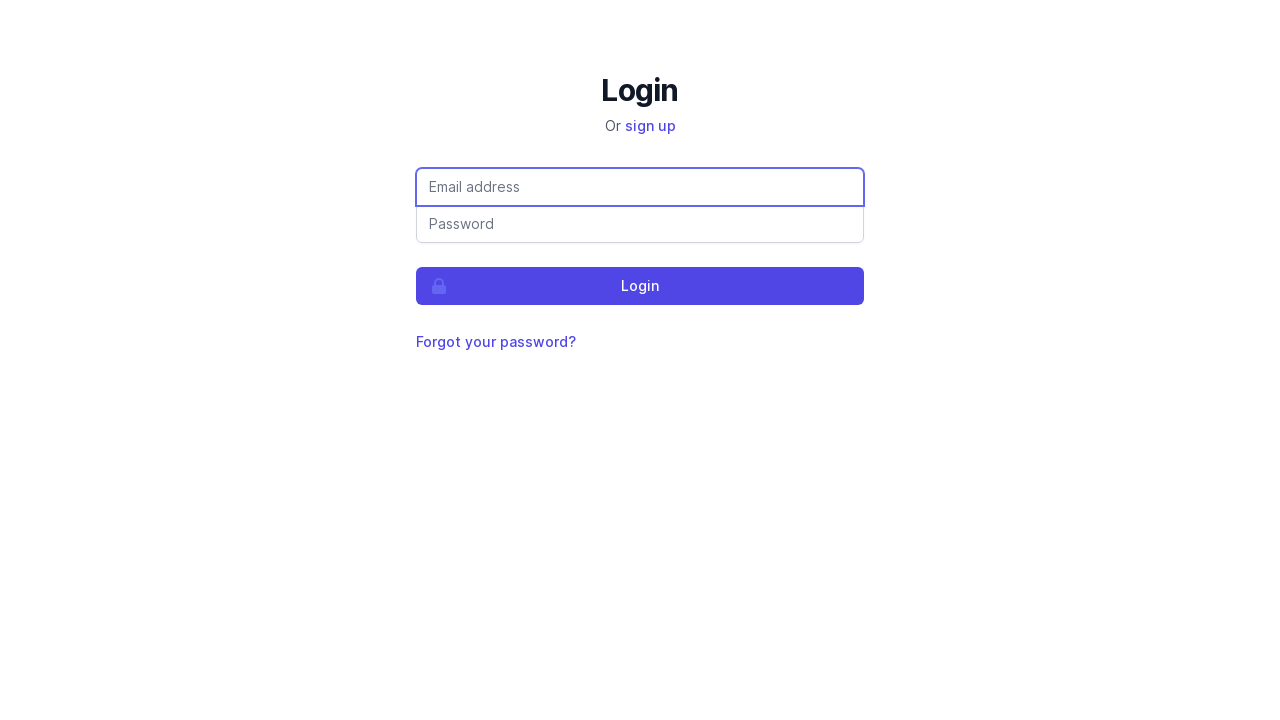
How login works
First, enter your email address.
Riskrunner checks whether your organisation uses SSO for that email domain.
Then one of the following happens:
If SSO applies to your email, you are redirected to your identity provider to sign in.
If SSO does not apply, Riskrunner shows the password step for that email address.
If two-factor authentication is enabled on your password-based account, Riskrunner prompts for your authentication code after you enter the correct password.
Logging in with SSO
If your organisation has enabled SSO for your email domain, entering your email address will send you to your identity provider’s login page instead of showing a password field.
If your account is required to use SSO, password login is blocked.
Recovering access to a password-based account
If you forget your password, you can request a password reset by clicking the Forgot your password? link on the password step. You will arrive at the following page:
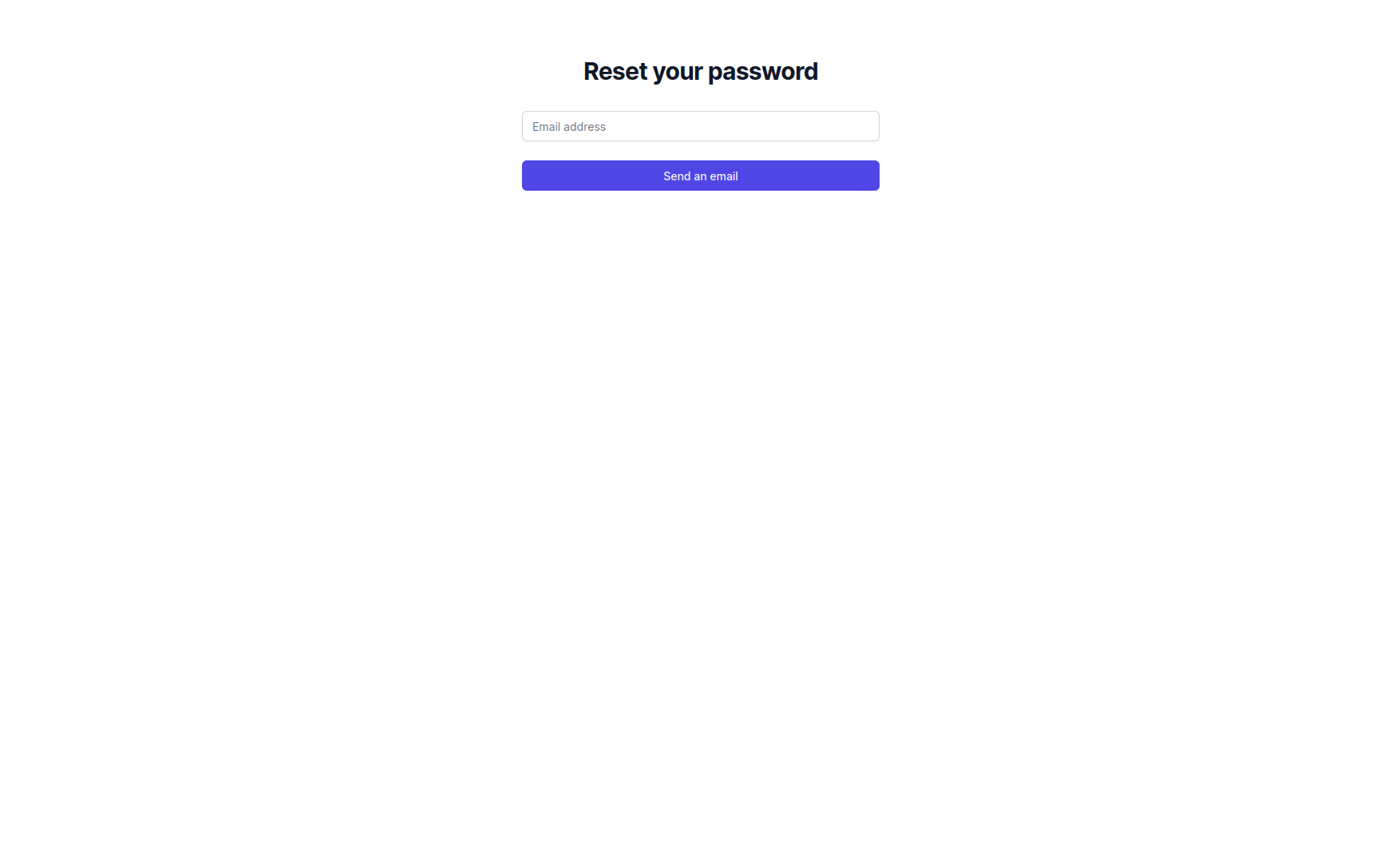
Enter your email address, and Riskrunner will send you an email with instructions on how to create a new password.