
 Riskrunner
Reviews#
Reviews are a core concept within Riskrunner. You use them to update and change the risks in your Assessments.
Why do we need reviews? Because at its core, risk management is dynamic. Even for risks that seem to change slowly or not at all, it’s good practice to periodically check and review whether they are still under control.
Some businesses operate in very dynamic environments. The tool you use to manage risks should be able to deal with that type of dynamic environment. A good example is a project, where the types of risk you can encounter can change, as well as what you need to do in each phase of a project to ensure you stay in control.
Reviews allow you to select a part or all of your risks and make any change your see fit. Once the review is finished, any changes are applied to your risks and stored in the review so we know when what changed.
You can also plan reviews with due dates. This is good, e.g. to align your risk management with project planning.
Adding a review#
When you go to an assessment page. You’ll see a section to add reviews.

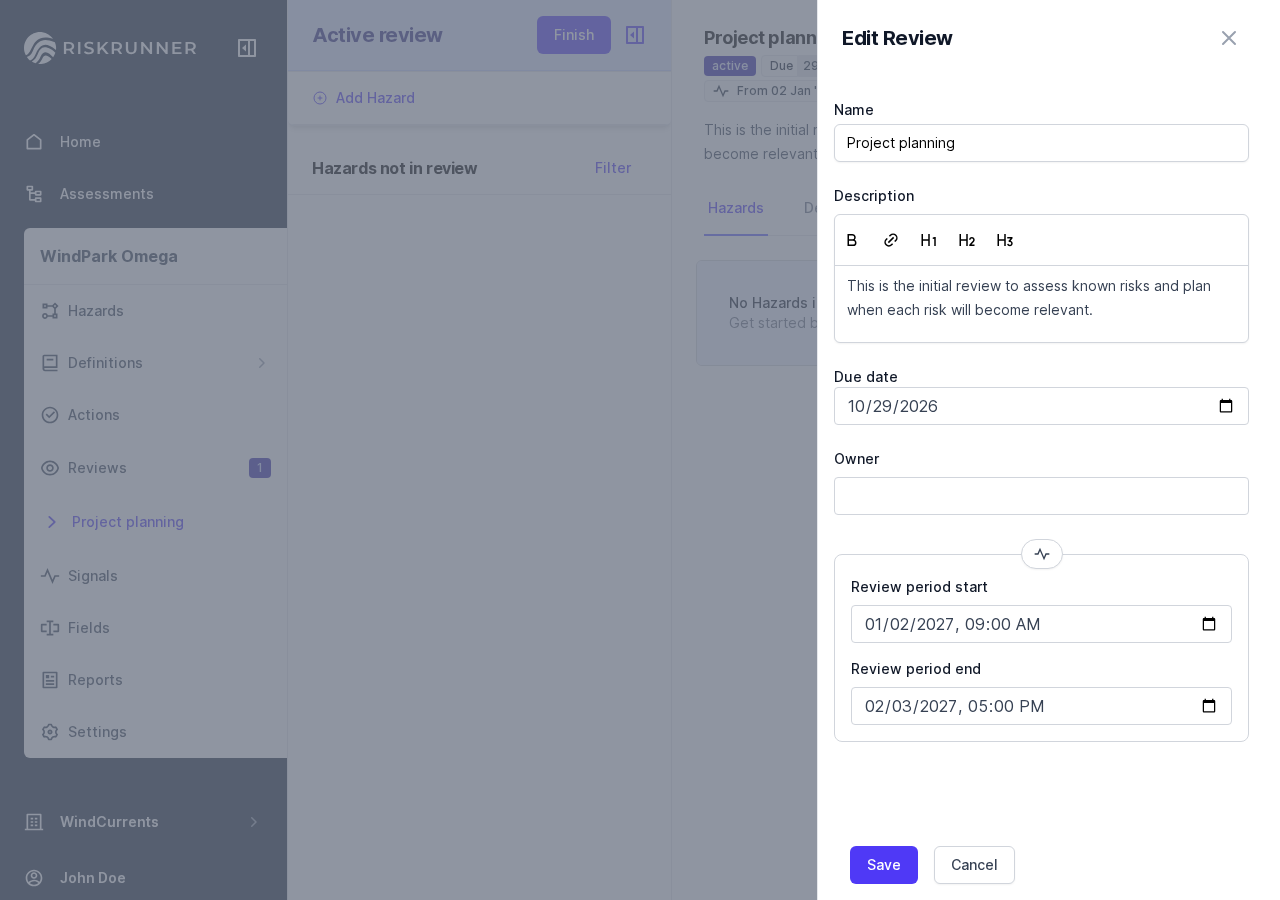
If you click on New Review, you can fill in details.

Then you’ll have a new review that you can set up further.

Review period#
The review period defines what period of time you’re considering as the scope of the review. It’s an optional field that works together with Signals. Finished signal data that falls within the review period shows when editing field values using the inline editor.
Set Review period start and Review period end when adding a review. To change them in a planned or active review, click the period in the review header. If the review period is missing, the signals panel prompts you to set the period.
Note
Review periods apply to normal and field value reviews, not settings reviews.
Review Types#
When adding a review, you can choose from 3 types. All 3 types are detailed here.